Teddy Kit
The open file that turned a 2020 tutorial into a thousand crawl horrors.
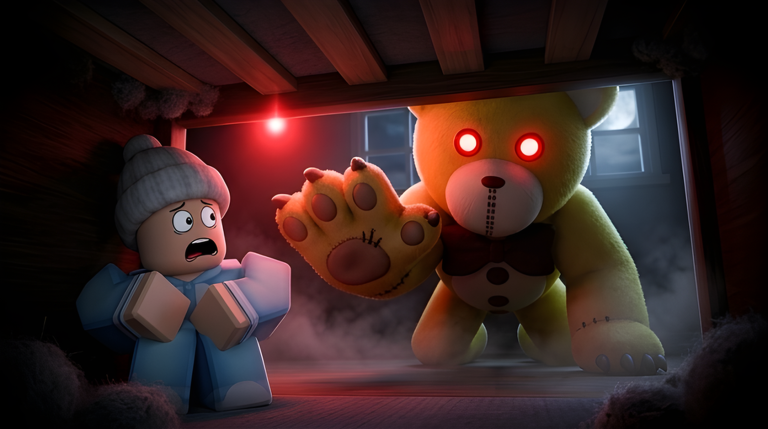
Before Teddy was a favorite, it was a tutorial series that never finished. GnomeCode stopped the episodes, shipped the game, and later published a Teddy Kit so other people could build a crawl horror without starting from a blank baseplate. This page is for that file. It is not a cheat menu and it will not unlock Chapter Five on the live place.
What the kit is
A Roblox place file with a lobby, a test map, shop hooks, cutscene hooks, and a README that is longer than most fan wikis. You download it from GnomeCode’s tutorial desk, not from a random Drive folder. The mid-article video is GnomeCode’s 2024 walkthrough of opening that file, enabling API access, and touching maps, shop, and monetization.
The kit is thinner than the live game on purpose. Sounds, animations, and some maps are missing or swapped because Roblox will not let every animation travel with the file. If Teddy T-poses, you need your own animation IDs. That is a documented limitation, not a broken download.
Setup mistakes the README already names
- Publish the place and enable Studio API access or data stores will yell.
- HipHeight and root orientation will ruin a custom character. There is a separate custom-character video if you go that far.
- Replacing the monster without replacing animations will look wrong on a kill.
- Copying the live game’s paid passes into your kit does not copy GnomeCode’s economy. Read the monetization chapter of the 2024 video before you charge Robux.
None of this helps you escape Nursery. It helps you make a cousin.
Kit versus live wiki
If you want to play, use official links and the Guides Hub. If you want to build, use the kit and the video on this page. Do not paste kit scripts into the live experience as an “admin.” That is how you confuse a lobby and it is still a ToS problem if you inject.
Developers who get stuck should use community doors that start from gnomecode.com. They should not use a script index. The Scripts Hub is for the live game’s empty menu, not for Studio.
Why players should care
The kit explains the game’s personality. Crawl, keys, rounds, a shop with Pieces — those systems were designed to be readable. That is why this wiki can teach them. When a clone game feels worse, it is often a kit with the README ignored.
Who should skip the kit tonight
If your goal is a Chapter Four badge, close this page. Open the Zoo walkthrough. The kit will not place a cog. If your goal is to learn why vents exist, the README is a better teacher than a random clone. If your goal is to sell a reskin, you are the reason this wiki has an allowlist on official links.
Watch the 2024 video, read the README, and build something that is not another uncredited daycare. Then come back and beat Zoo like everyone else.
Frequently Asked Questions
Quick answers players ask after a failed escape.
Does the Teddy Kit give me items in the live game?
No. It is a Studio file. The live place is separate. Play via [official links](/links/).
Why are animations missing?
Roblox does not let those assets travel. Create your own. The 2024 video shows where the IDs go.
Is the 2020 tutorial series finished?
No. That is why the kit and the 2024 video exist.
Can I charge Robux in my kit game?
Yes if you set up your own monetization. Do not copy another creator’s passes blindly.
Does the kit include live Zoo and Toy Store?
The kit is thinner than the live place. Expect a test map. Play the real chapters via [official links](/links/).
Where do I ask kit questions?
Use doors that start from gnomecode.com, listed in spirit on the [community](/links/community/) page. Not a script index.